
ENTWICKLE AUF DEM IPAD. BAUE AUF DEINEM MAC. BEHALTE DEIN PROJEKT IM EIGENEN SYSTEM.
MASCHINE ist die Projekt- und Entwicklungszentrale auf dem iPad. Arbeitsplätze verbinden Code, Wissen, Notizen, Skizzen und Assets mit Entwicklungsumgebungen auf Mac, Linux und Windows.
Update 1.4.0 / 25.08.2026
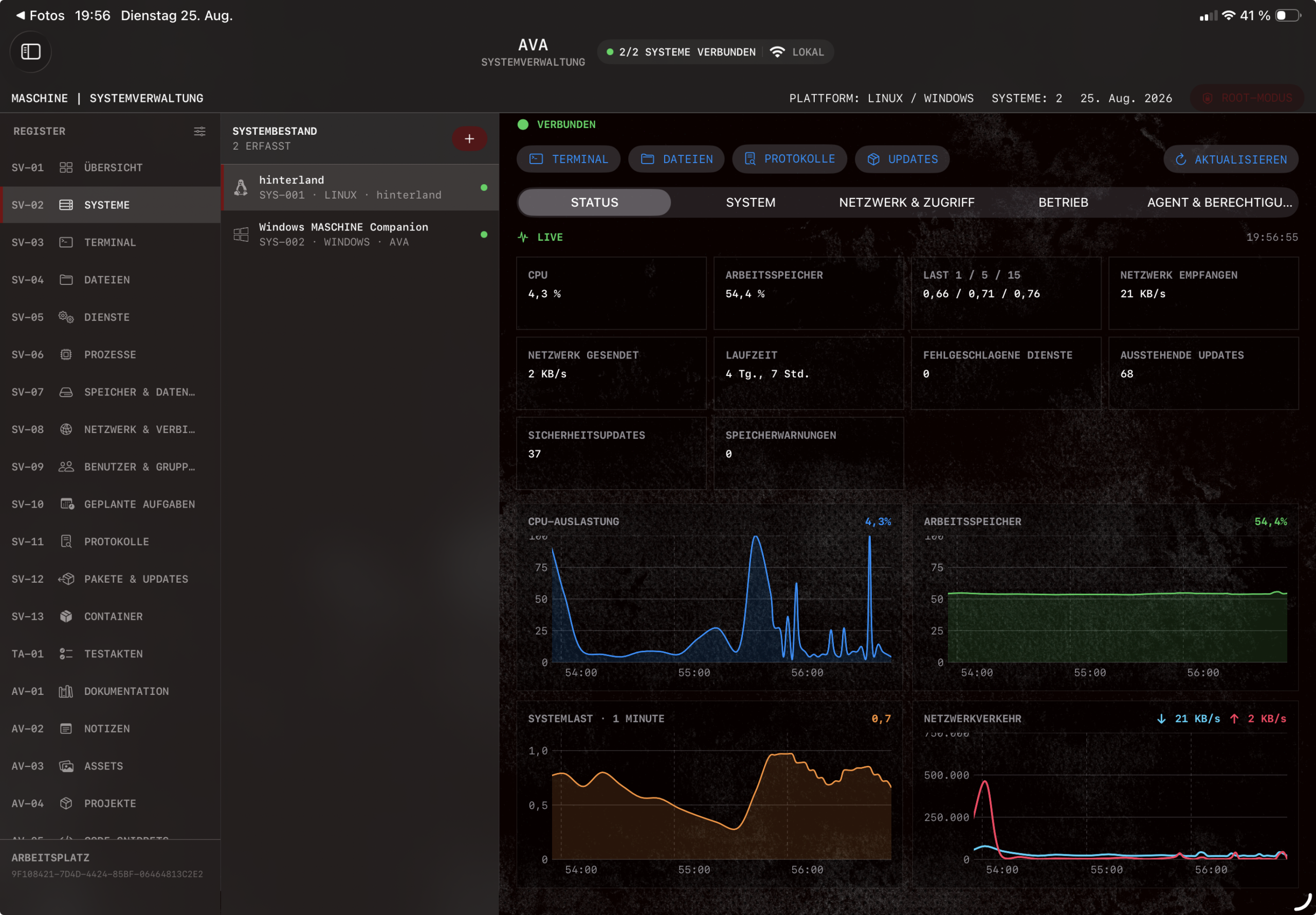
– A new workstation for professional system administration of Linux servers and Windows PCs
– Access systems locally or on the go via an encrypted relay connection
– Centrally monitor and manage the terminal, files, services, processes, memory, and network
– Control users, groups, scheduled tasks, packages, updates, the firewall, and containers
– Live system status with real-time graphs for CPU, RAM, system load, and network traffic
– Detailed system overviews with alerts, operational data, and key findings
– Generate black-and-white PDF system reports in the straightforward MASCHINE management style
– New test files for repeatable system checks and automated test runs
– Edit and execute infrastructure projects for Ansible, Terraform, and Docker Compose
– Existing MASCHINE features available as flexible workspace modules
– Redesigned developer workspace with a unified design and improved clarity
– Pair and manage the Mac Agent and Windows Companion directly within their respective workspaces
– Improved terminal response times and faster system and connection queries
– Extensively revised manual with clearer, user-friendly instructions
– Numerous improvements in stability, usability, presentation, and performance
Updates for the Mac Agent, Windows Companion and the new Linux Agent.
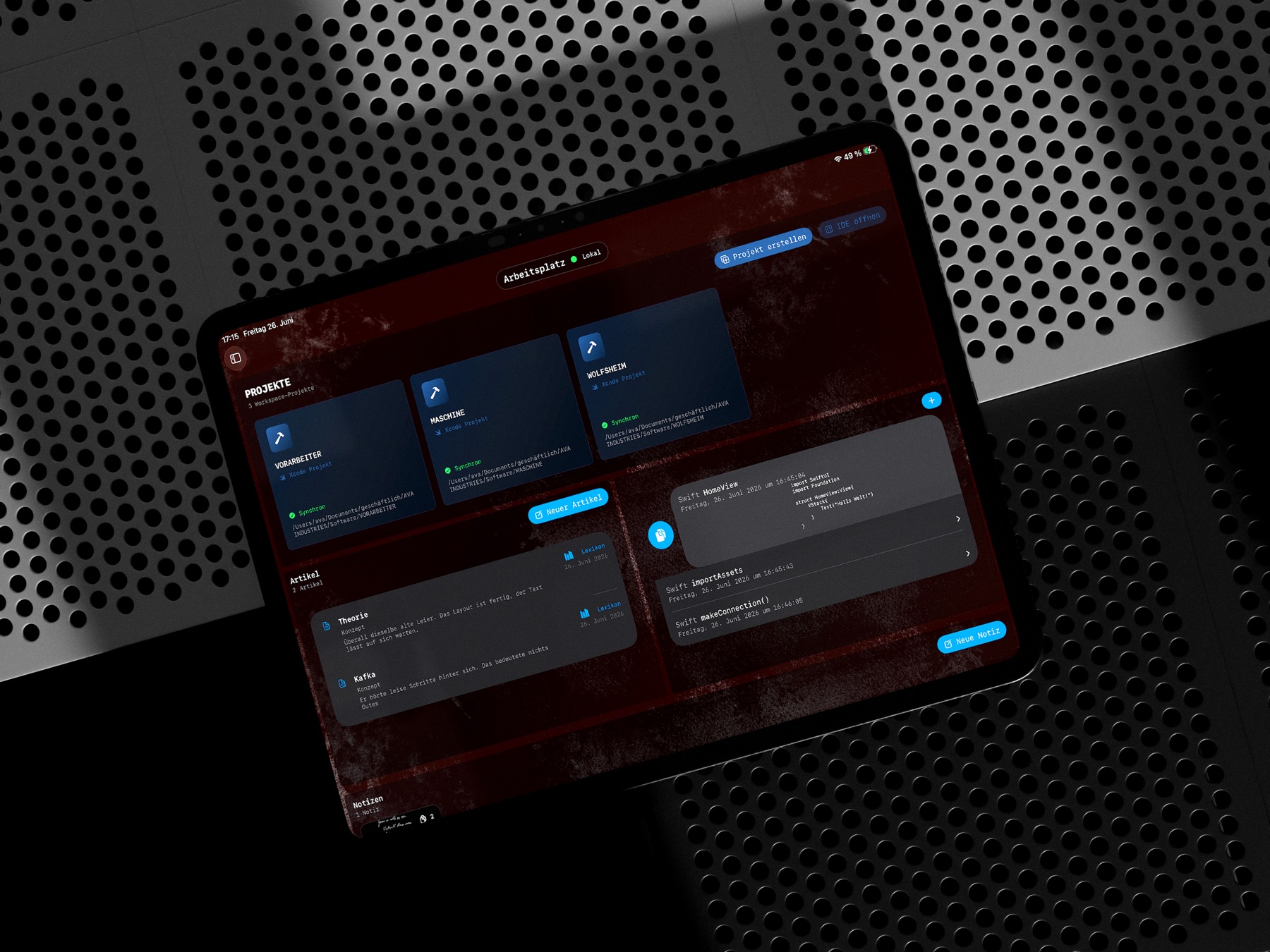
01 / PROJEKTKONTEXT / IPAD
ALLES AN EINEM ORT.
Ein Arbeitsplatz hält ein Vorhaben zusammen: Projekte, strukturierte Wissensdokumente, Notizen, Skizzen, Code-Snippets und Assets. Technische Arbeit und fachlicher Kontext bleiben miteinander verbunden.
02 / IDE / MAC AGENT
CODE. BUILD. TEST.
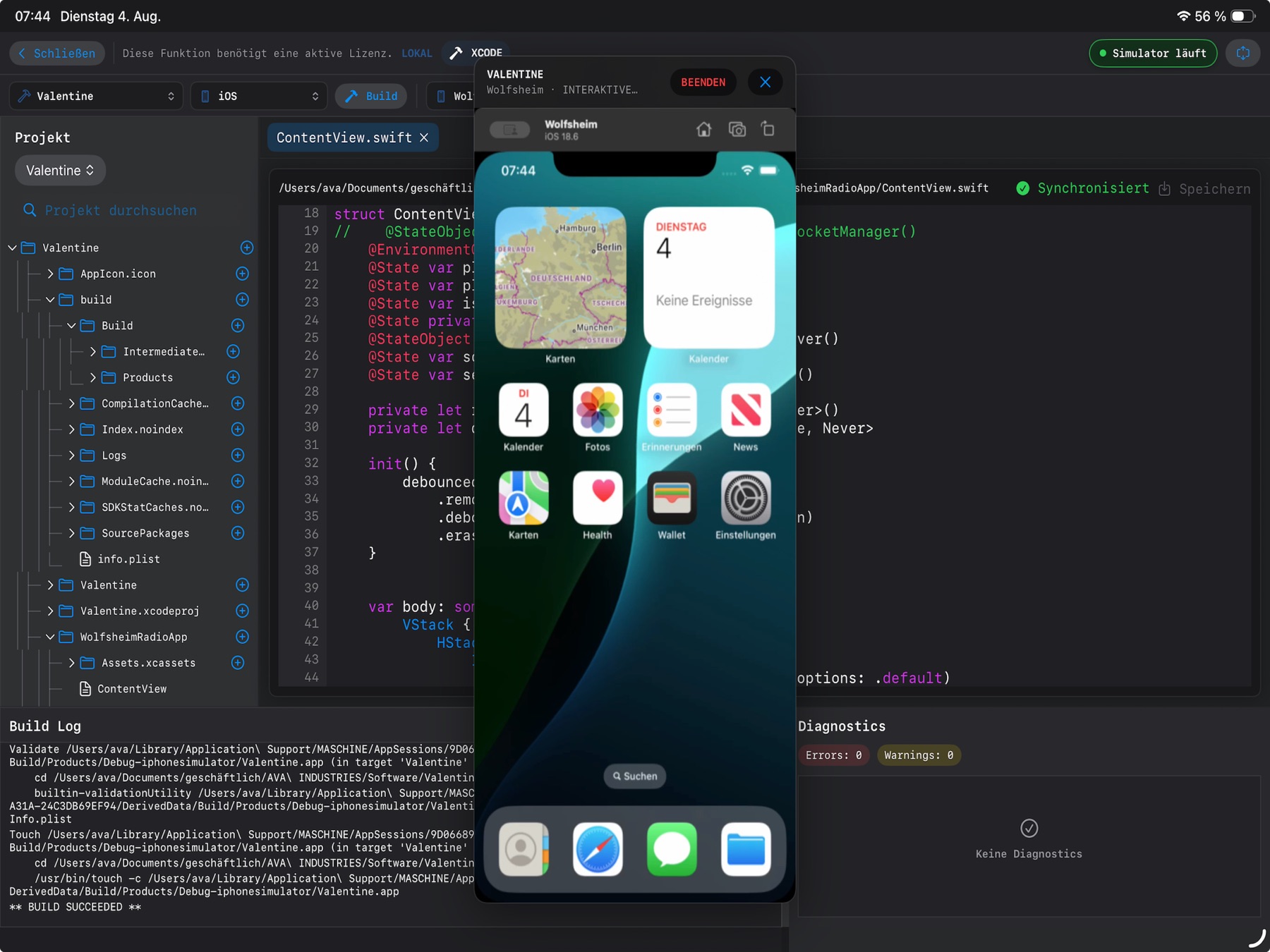
Erstelle SwiftUI-, Xcode-, Swift-Package- und Python-Projekte auf dem iPad. Der kostenlose Mac Agent übernimmt Apple-Builds und Tests auf dem eigenen Mac. Diagnosen führen zurück zur betroffenen Datei und Zeile.
Gestartete Apps lassen sich als interaktive Vorschau öffnen. Projektbaum, Editor, Build-Ausgabe und Simulator bleiben in einer Arbeitsoberfläche.
03 / MACOS + LINUX / TERMINAL
DEINE UMGEBUNG. DEIN MAC.
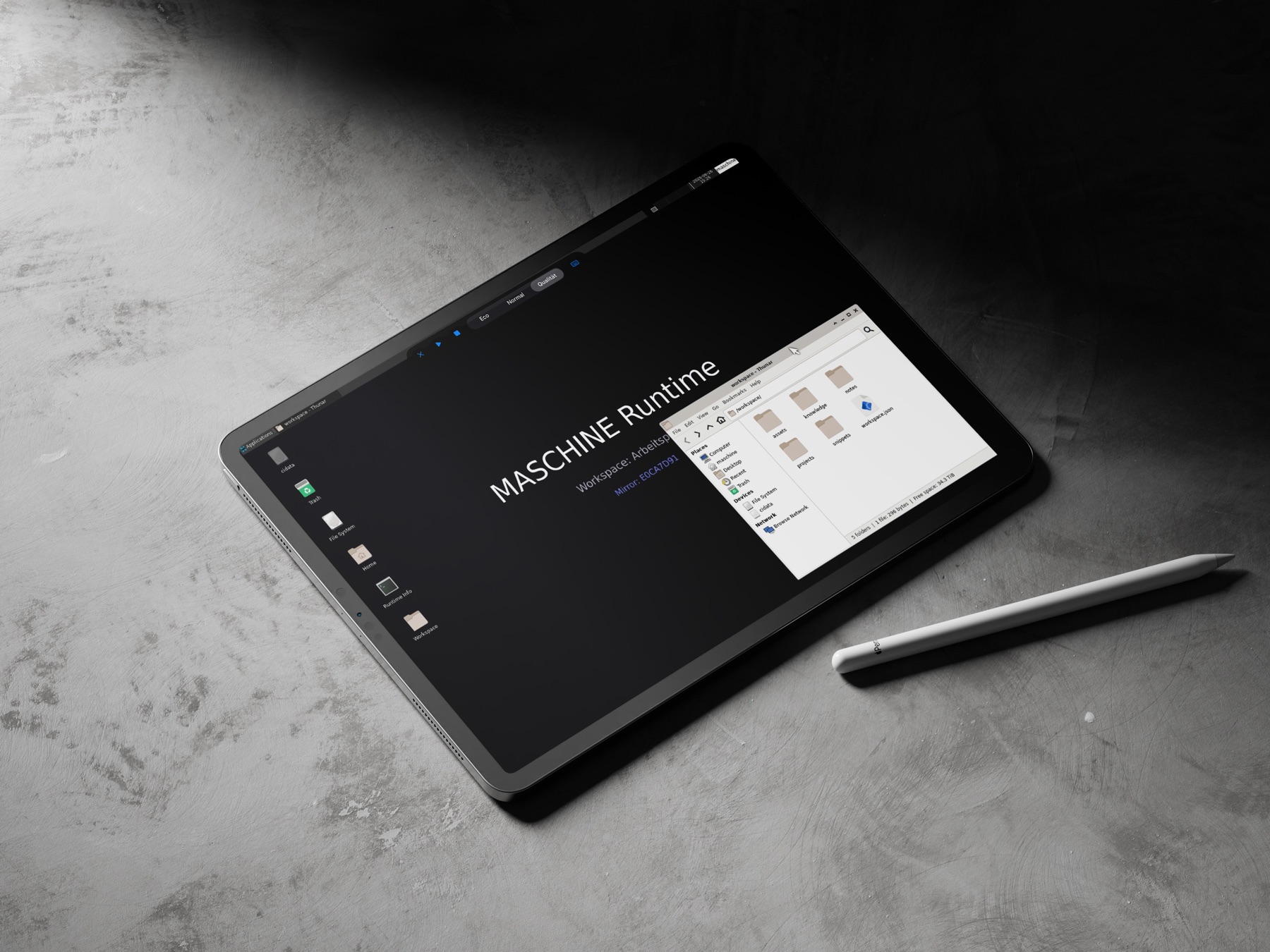
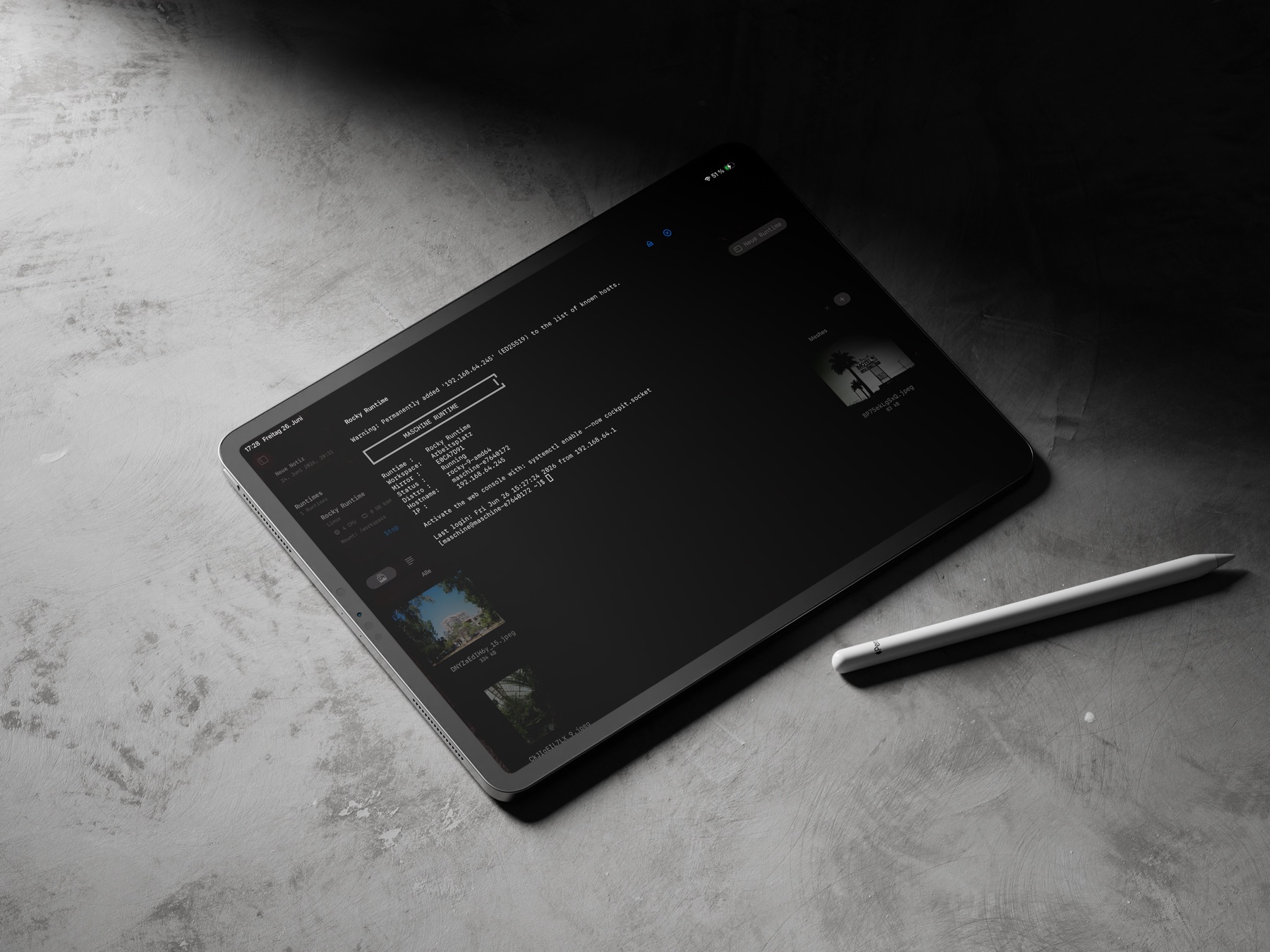
Der Mac Agent hostet isolierte macOS- oder Linux-Runtimes. Geprüfte Workspace-Snapshots, Terminal-Sitzungen und Runtime-Desktop bringen Entwicklungsumgebungen auf das iPad.
Remote Desktop verbindet Mac-Bildschirme, Runtime-Desktops und gestartete Apps. Im Internet vermittelt Relay verschlüsselte Verbindungsdaten; Bild und Eingabe laufen nach Möglichkeit direkt geschützt zwischen iPad und Mac.
04 / DOKUMENTATION / LEXIKON
WISSEN, DAS IM PROJEKT BLEIBT.
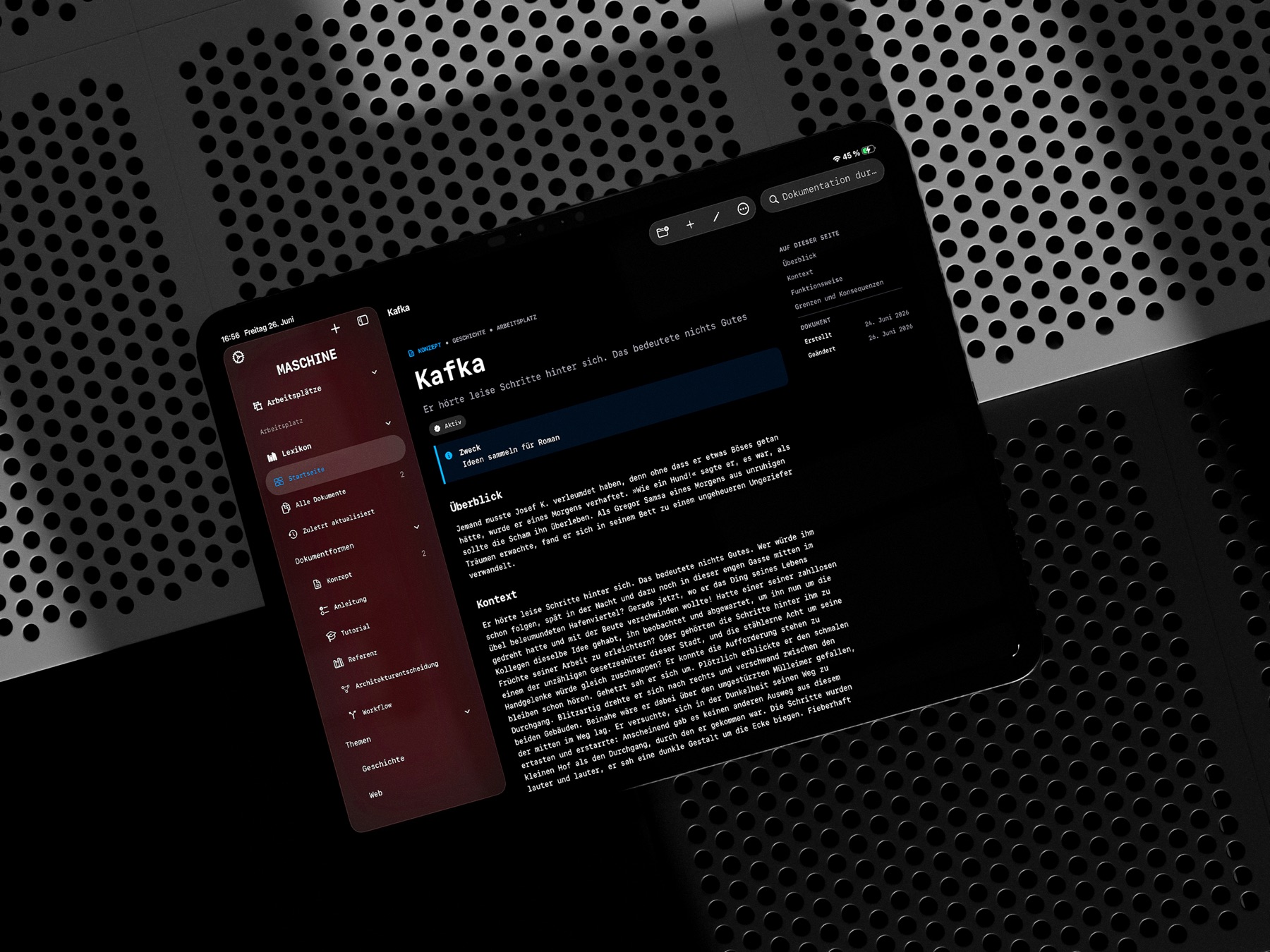
KONZEPTE, ANLEITUNGEN, TUTORIALS, REFERENZEN, ARCHITEKTURENTSCHEIDUNGEN UND WORKFLOWS BLEIBEN MIT IHREM ARBEITSPLATZ VERBUNDEN.
05 / IPAD + MAC + WINDOWS
GERÄTE VERBINDEN.
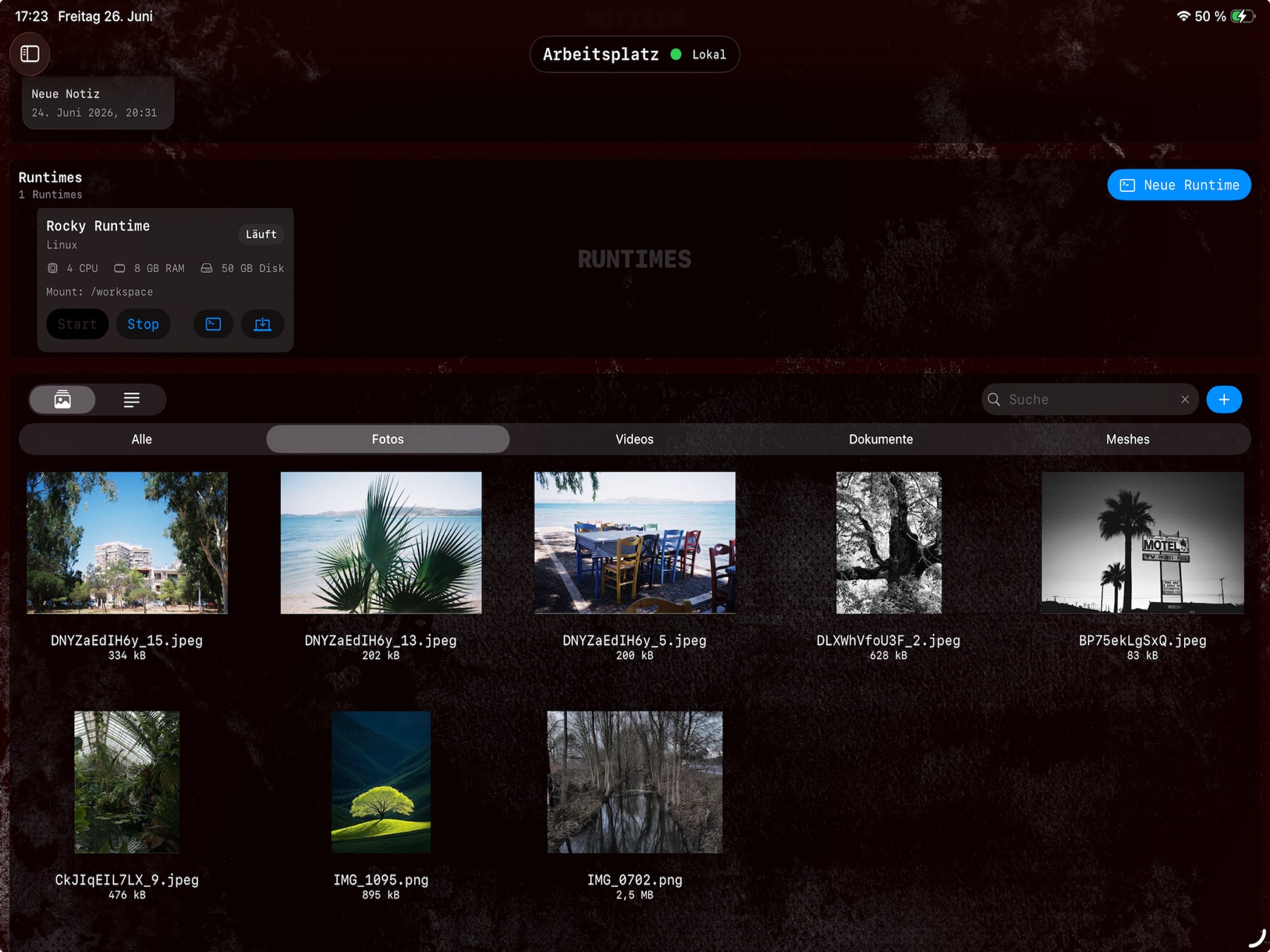
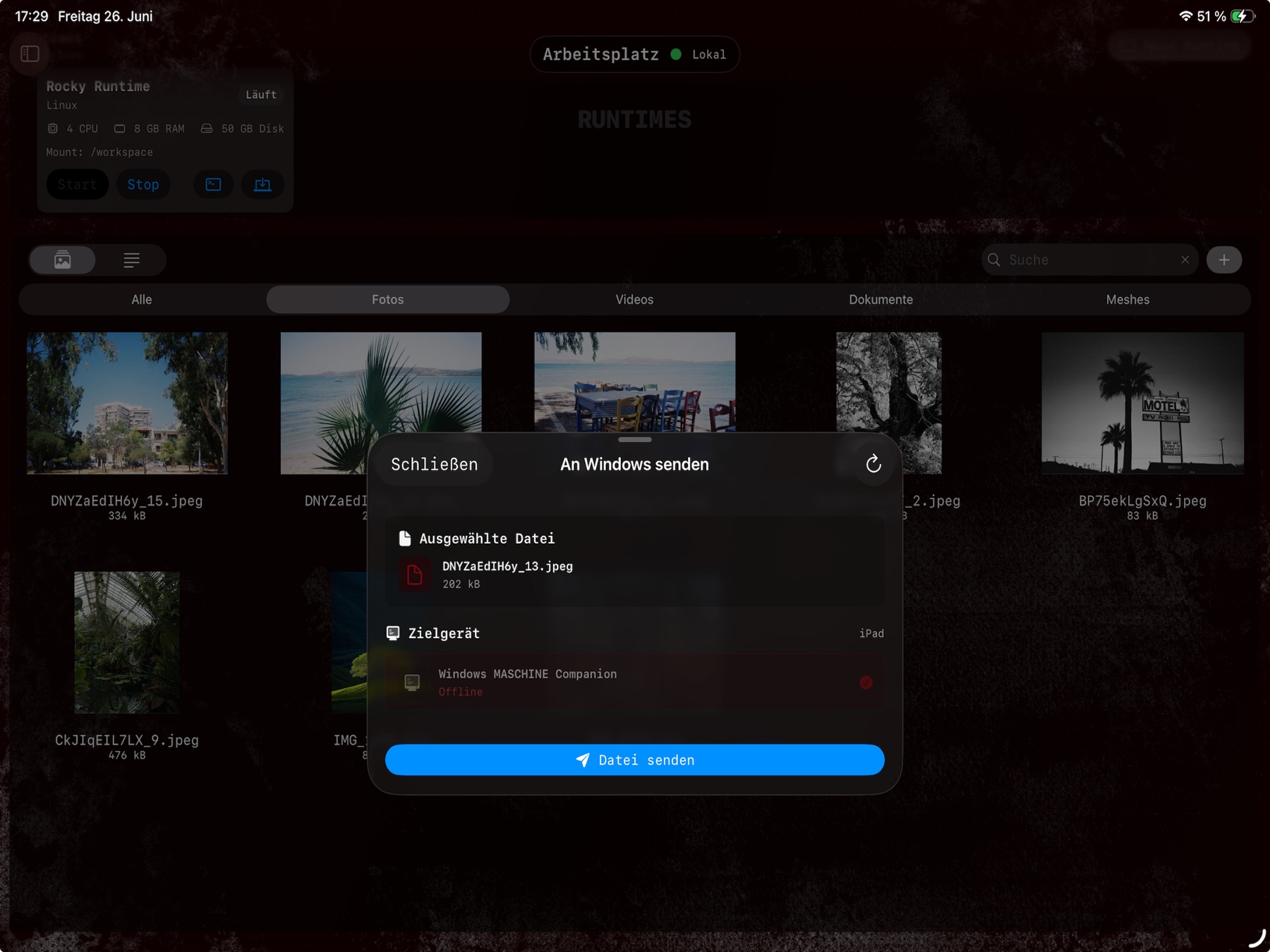
Im lokalen Netz koppelt MASCHINE das iPad mit dem Mac Agent oder der Windows Companion App. Assets können zwischen den eigenen Geräten übertragen und im passenden Arbeitsplatz weiterverwendet werden.
Verwalte deine Maschinen so wie du es willst.
Erledige administrative Aufgaben, teste oder behalte den Überblick auch wenn du auf Reisen bist.
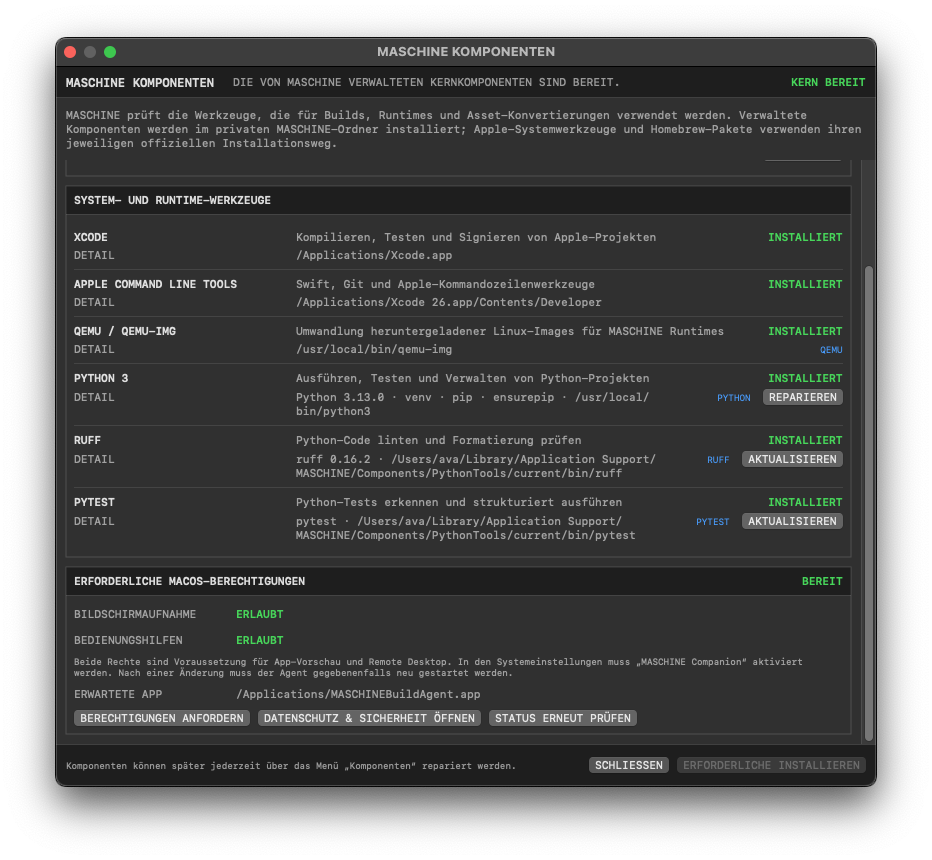
06 / Mac agent
mac agent
durch den mac agent werden projektbuilds, das anlegen und verwalten von virtuellen maschinen und die asset-verwaltung erst möglich.
durch effizienten code überträgt der agent auch deinen bildschirm von verschiedenen monitoren, genauso stellt er eine schnittstelle für das übertragen deiner dateien bereit.
in deinem lokalen netzwerk oder per relay(Peer to Peer), wenn du auf reisen sein solltest.
07 / TESTPHASE + LIZENZ
DREI TAGE. ALLE FUNKTIONEN.
Beim ersten Start beginnt eine dreitägige Testphase mit vollem Funktionsumfang. Danach bleiben Arbeitsplätze, Dokumentation und grundlegende Organisation verfügbar.
Mac-Agent-Entwicklung, Builds, Runtimes, Remote Desktop, Relay, SFTP und Windows-Dateitransfer benötigen anschließend ein Monatsabo oder eine Lebenslang-Lizenz.